3D printing, on demand
Rent a 3D printer near you
Upload a model, see the price up front, and have it printed by a printer owner nearby. No need to buy your own printer.
Download on the App Store
Free for iPhone. Android coming soon.
3D printing, on demand
Upload a model, see the price up front, and have it printed by a printer owner nearby. No need to buy your own printer.
Free for iPhone. Android coming soon.
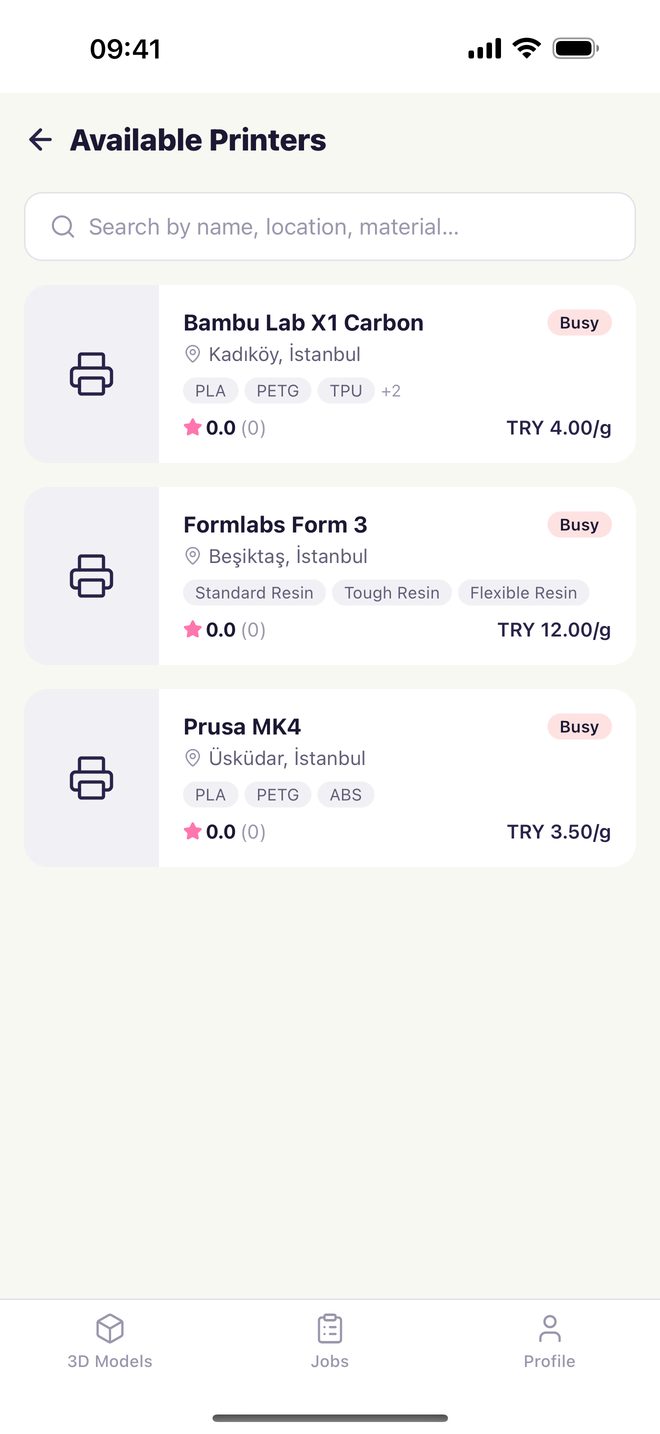
See printers in your city with their materials, prices and ratings.
The price is calculated from your model's volume. No surprises.
Collect your print in person or have it shipped.
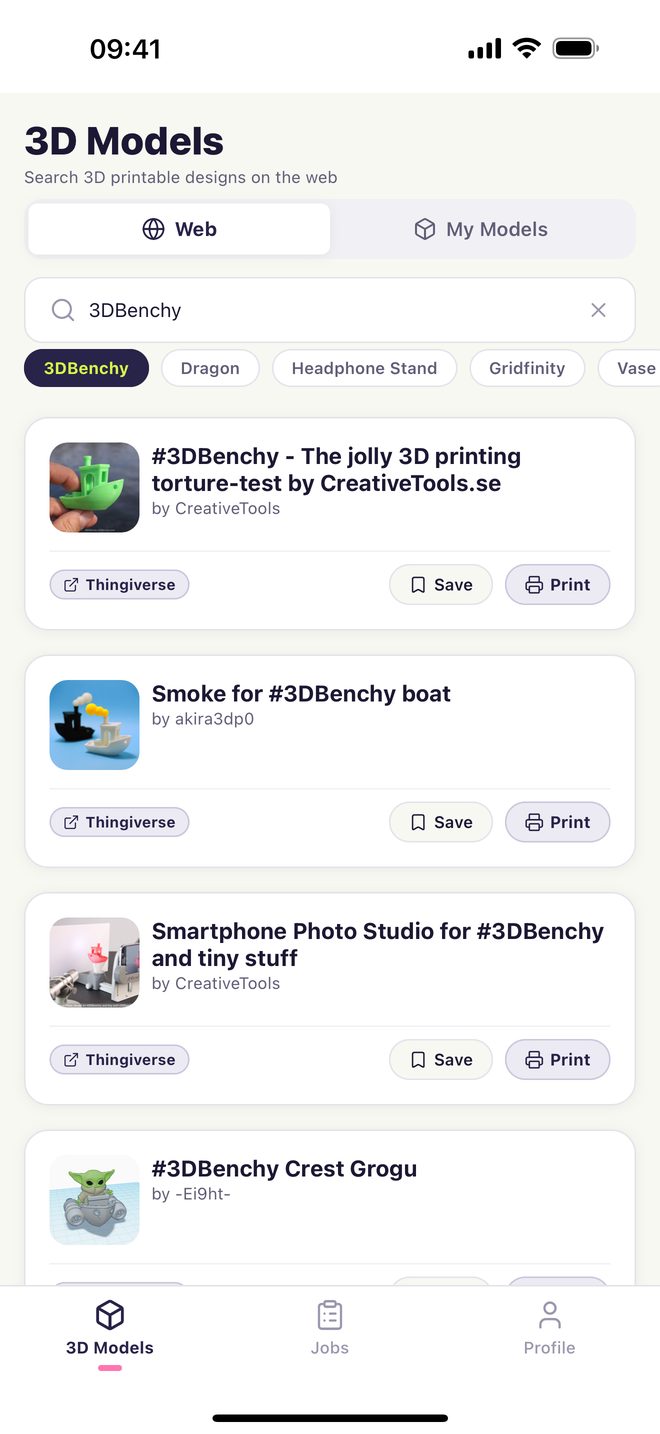
Upload your own STL file or choose from thousands of models on Thingiverse.
Compare available printers nearby: material, price per gram, rating.
Choose the material and delivery, add a note. See the price before you send.
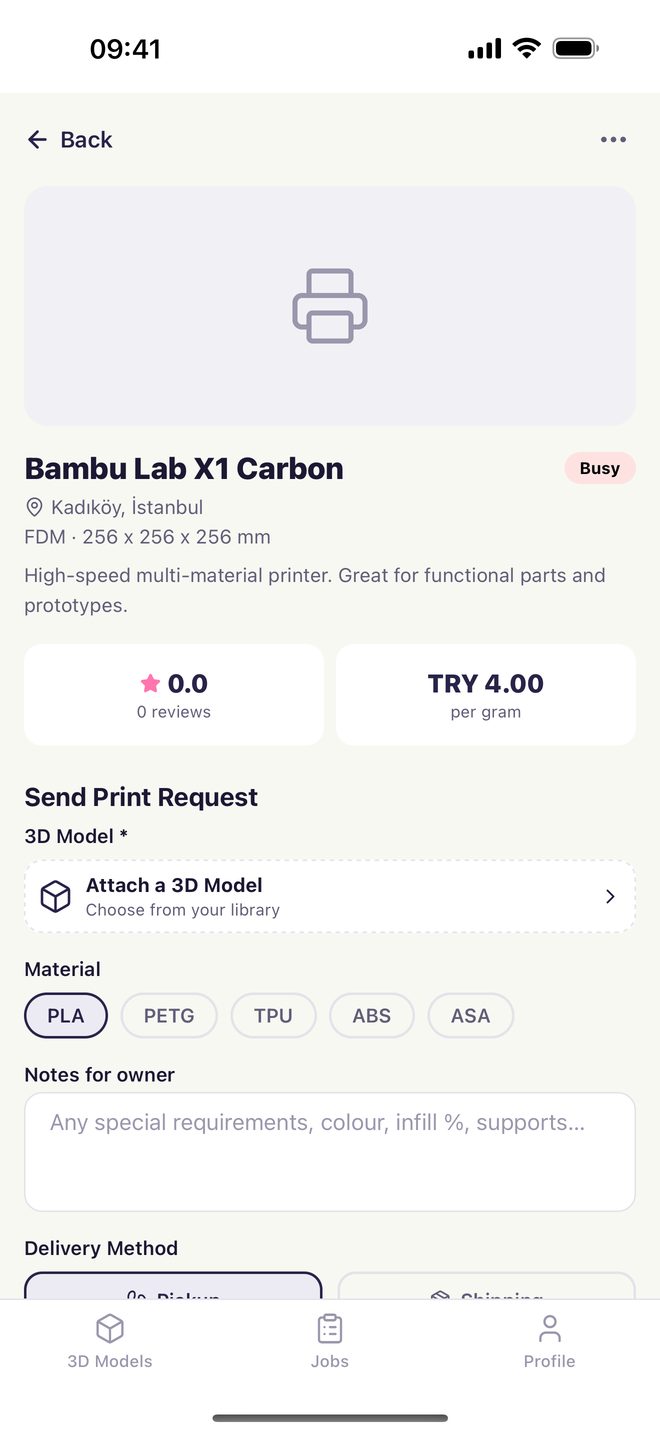
The owner accepts and prints it. Follow the status in the app.
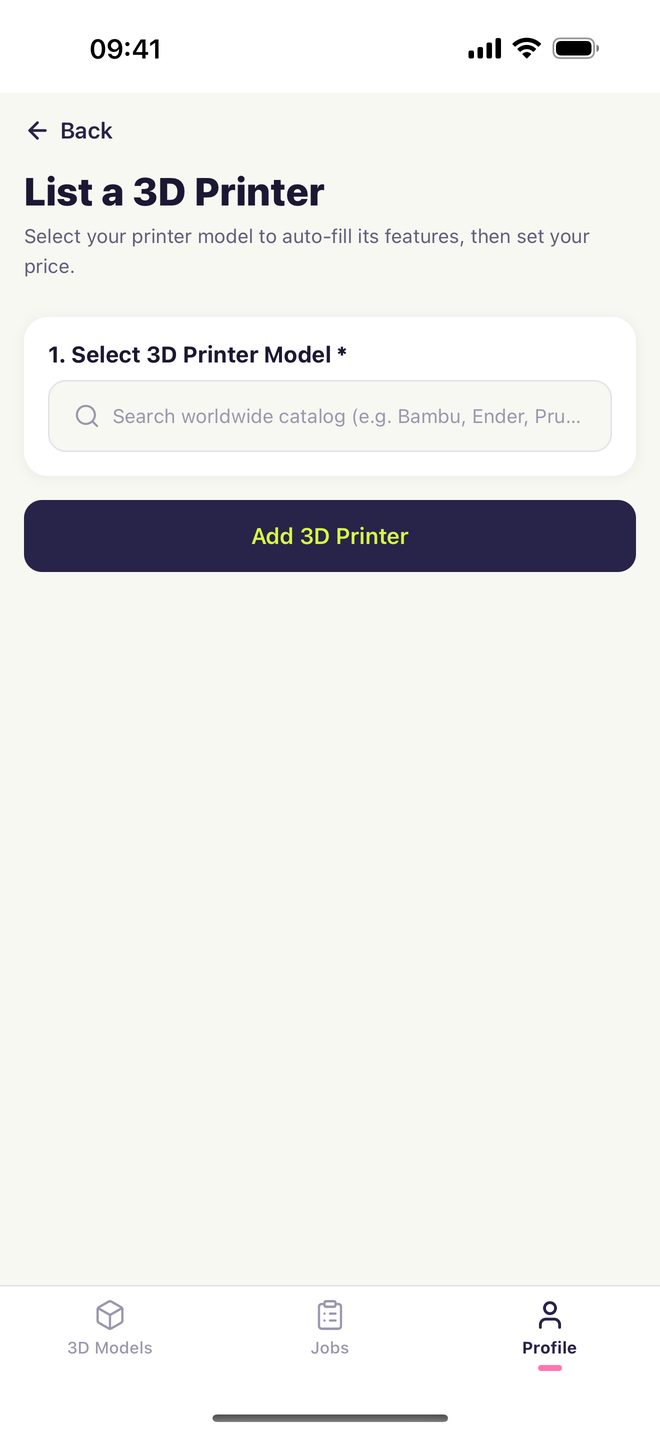
Add your idle printer to the app and print for people around you.
Download the app and see printers near you right away.